Physical Address
304 North Cardinal St.
Dorchester Center, MA 02124
Physical Address
304 North Cardinal St.
Dorchester Center, MA 02124

Online shopping is now more accessible through gift cards, which let customers buy items without paying upfront, while providing them with payment options. The gift card system at Myntra enables users to manage their cards through Myntra Credit, which they can use at checkout to complete their transactions. The guide demonstrates how to use gift card in Myntra through the process of adding gift cards and redeeming them at checkout to use their remaining balance.
Users can add Gift Card in Myntra to their accounts as Myntra Credit because the cards function as prepaid vouchers. Users can spend their added balance on shopping throughout the entire Myntra website and mobile application. Users can access the following primary features of the system:
Using Myntra Credit is convenient, especially during sales or for budgeted spending, as it automatically applies the gift card balance at checkout.
Adding a gift card in myntra to the account is the first step to redeeming it for purchases. Both the app and website follow a similar procedure.
1. Log In
Open the Myntra app on a smartphone or visit www.myntra.com on a browser. Log in using registered credentials.
2. Go to Account Section
On the app, tap the Profile icon at the bottom right. On the website, navigate to the Account section.
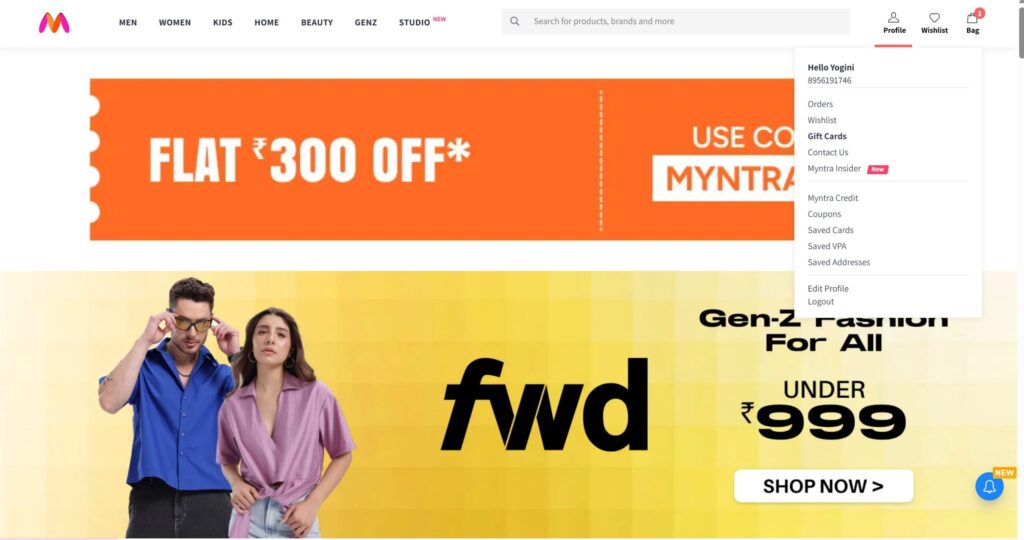
3. Access Myntra Credit
Scroll down to the Payments and Currencies section and select Myntra Credit, or click directly: https://www.myntra.com/my/myntracredit.
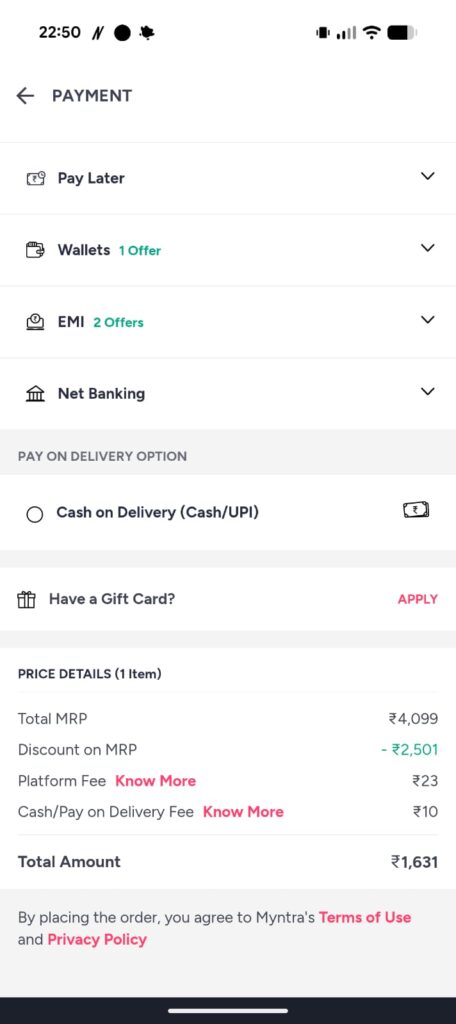
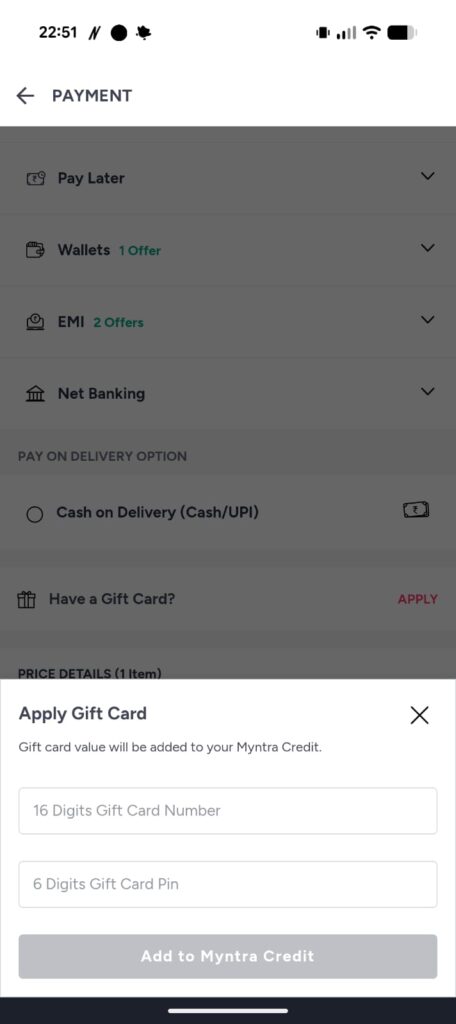
4. Add Gift Card
Select Add Gift Card and enter the gift card details:
After entering the details, click Add to Account (or Add to Wallet) to credit the gift card value to Myntra Credit.
5. Confirmation
A confirmation message appears after successful addition, showing the updated Myntra Credit balance.
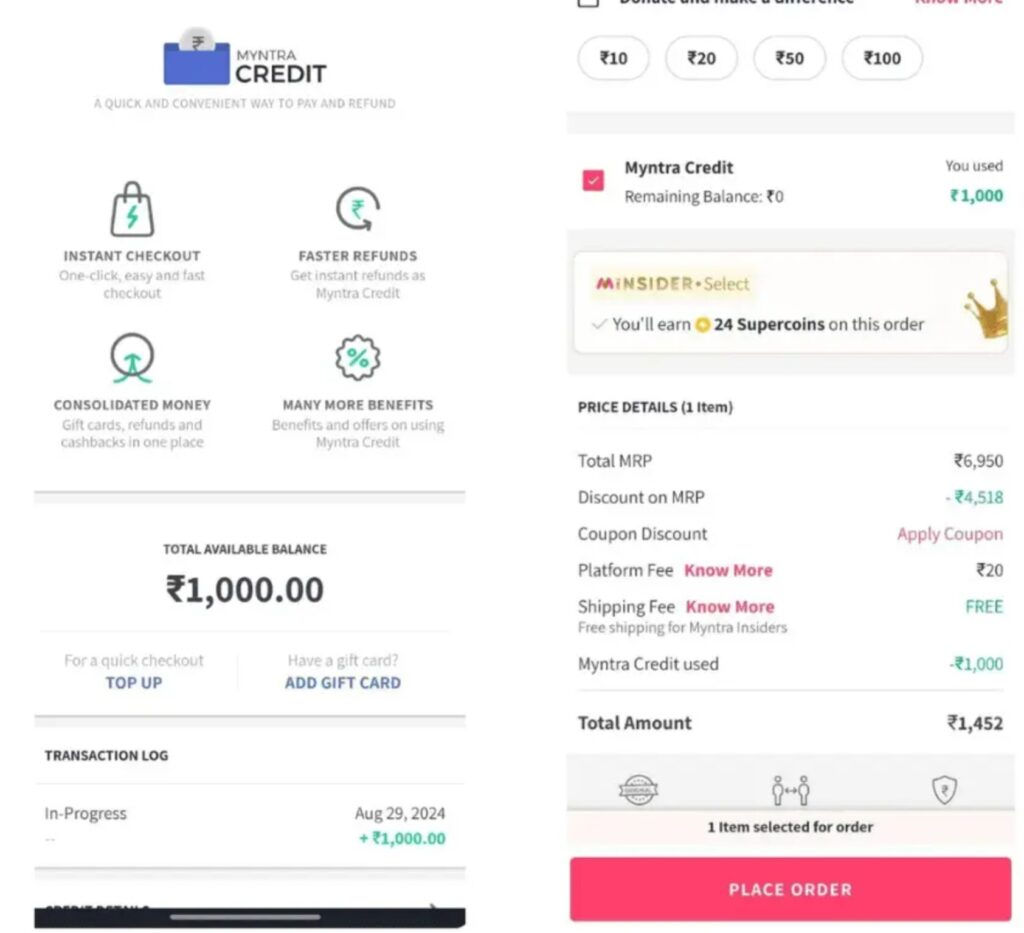
Once the gift card is added, the balance can be applied during payment.
1. Shop for Products
Add desired items to the shopping cart from Myntra’s app or website.
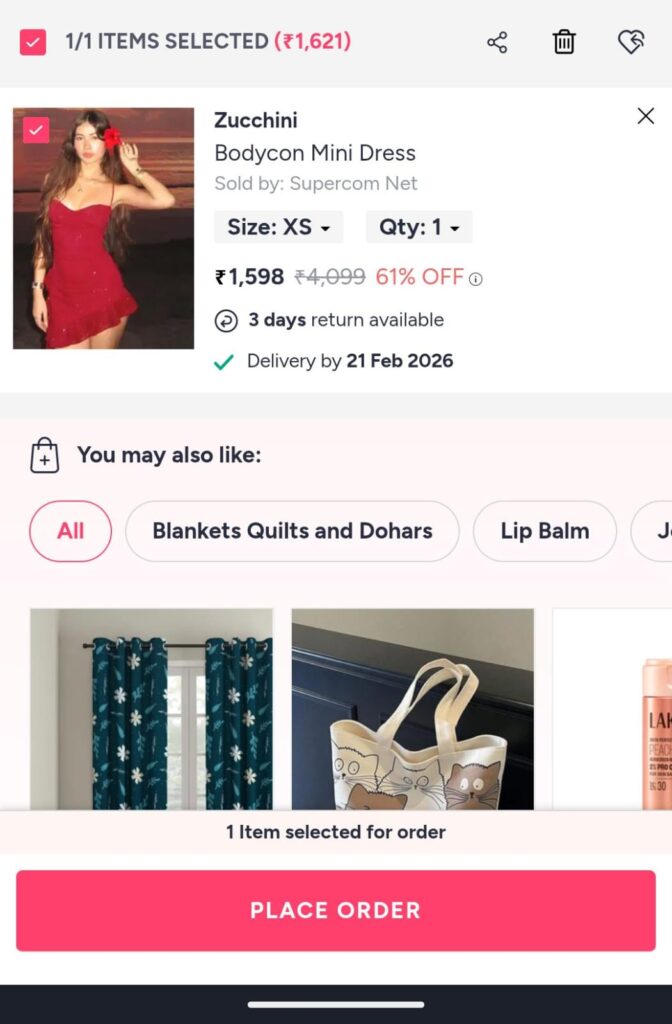
2. Proceed to Checkout
Open the cart and click Place Order to reach the checkout page.
3. Select Myntra Credit as Payment Method
On the payment page, select Myntra Credit or Gift Card. The system automatically deducts the available balance from the total order value.
4. Pay Remaining Amount
If the order value exceeds the gift card balance, the remaining amount can be paid using:
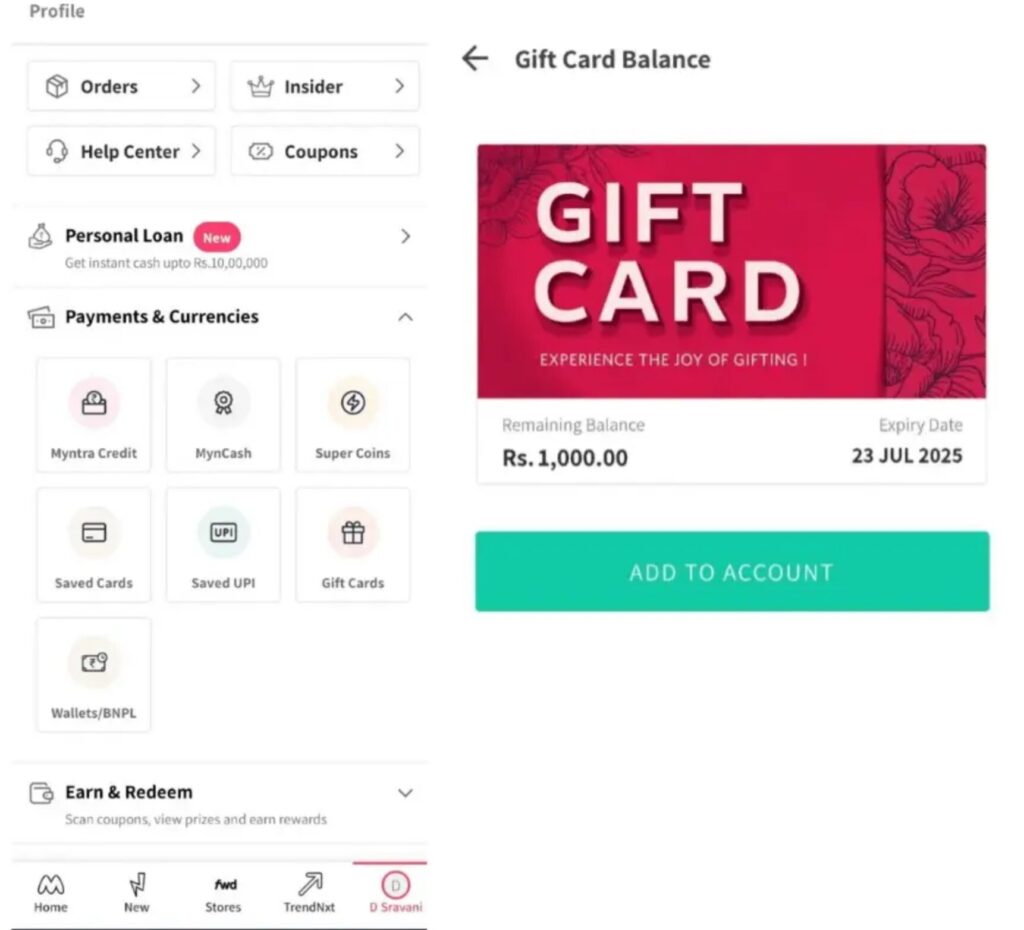
5. Order Confirmation
After completing the payment, an order confirmation page appears, showing the total amount paid and the applied Myntra Credit
Myntra first uses the available balance for payment which requires users to select different payment options for any remaining costs.
Convenience: The system handles complete payments without requiring users to input their card information.
Budget Control: Users can restrict their spending to the value of the gift card.
Multiple Orders: Users can utilize their remaining balance until they completely exhaust it.
The user can perform secure account redemption because the system requires identity verification throughout the process.
Using gift cards during sales events such as End of Season Sale and Big Billion Days and Festive Offers provides enhanced value because the additional balance decreases total expenses.
The process of adding a gift card to Myntra enables customers to redeem their gift card through Myntra Credit which provides them with safe and easy shopping options. The user needs to follow the steps of logging in to Myntra Credit and entering the gift card details and applying the balance at checkout process to achieve a seamless shopping experience.
The process allows users to use gift cards as personal gifts which creates a smooth shopping experience for customers on Myntra.