Content Written By:
Yogini — Fashion college student brewing fashion, lifestyle and beauty content.
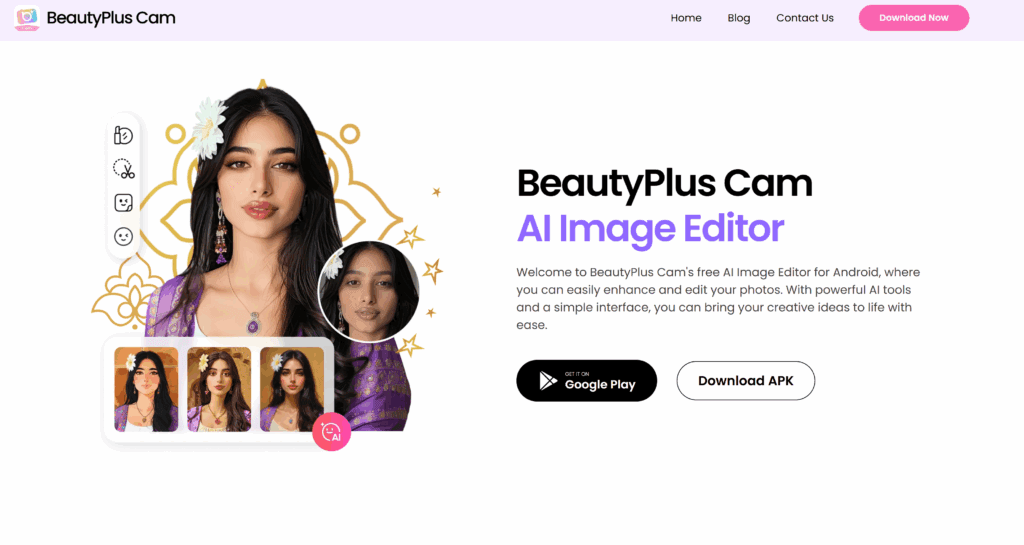
Using BeautyPlus Camera is fun and powerful — the app has many tools to enhance your selfies and edits. Here’s how you can make the most of it.
Table of Contents
1. Installing & Opening
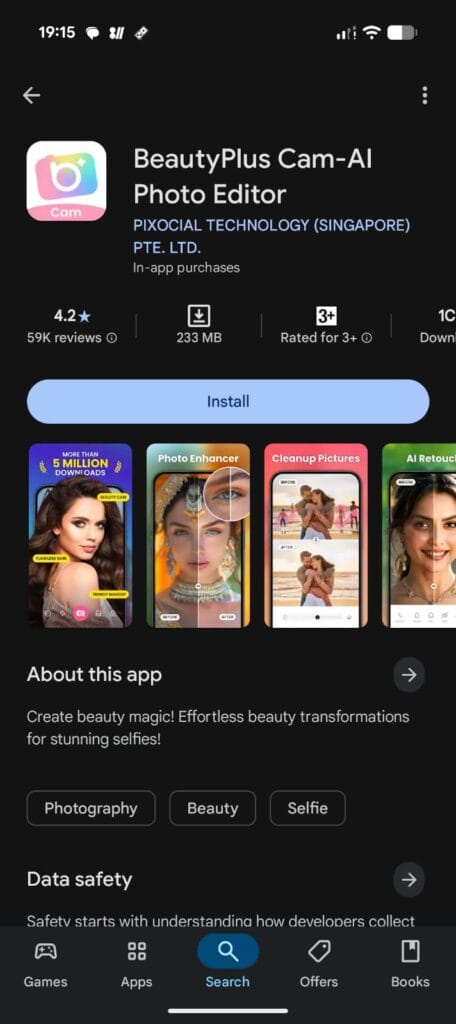
First, download BeautyPlusfrom the App Store (iOS) or Google Play Store (Android).
Open the app. Usually, you get some setup: permissions (camera, storage), sometimes signup/login.
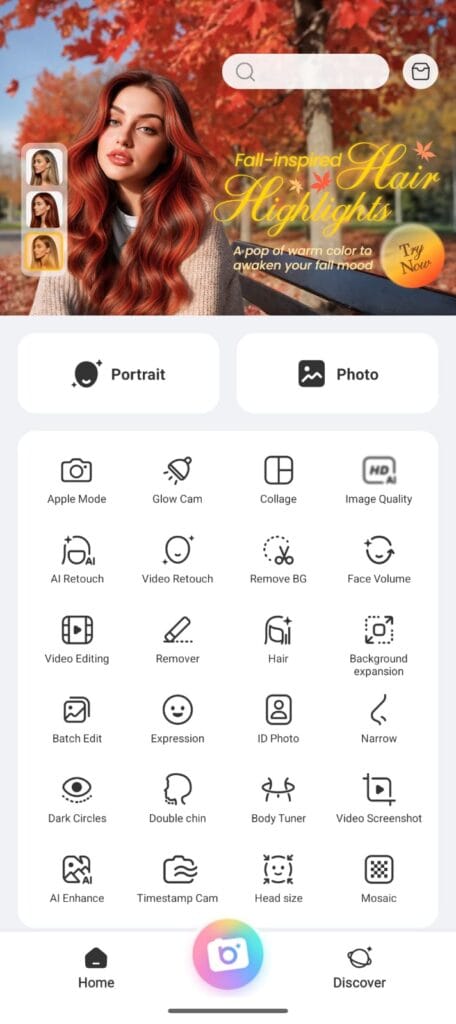
When you open BeautyPlus Camera, the first screen shows the main menu. Usually there are tabs such as Camera, Edit, Discover/Feed. Tap Camera to start capturing live.
2. Starting with the Camera
When you open the app, there’s usually a Camera tab or icon — tap that to go into live camera mode.
Here you can take selfies or photos directly via BeautyPlus Camera, not just editing after. This is useful because many filters & effects work in real time.
Key tips while in the Camera:
Use front or rear camera depending on your choice.
Toggle the flash, timer, and often a beauty/selfie preview. Some “beauty effect” sliders are available before you take the photo.
You might see options like Filters, Beautify, AR Effects / Stickers. These allow you to preview how things will look before snapping.
3. Basic Capturing
Frame the shot: good lighting always helps. Natural daylight is best.
Tap to focus. Adjust exposure (drag up/down or slide depending on device) if available.
Use timer if you want hands-free shot.
Once ready, tap shutter.
4. Editing After Capture
After taking a photo (or importing one), you can edit using BeautyPlus Camera’s tools. Some main features:
Face Editor / Retouch Tools
According to the official site:
You get over 22 tools for adjusting face features: skin, eyes, lips, nose, etc. BeautyPlus
Plump Lips, fix smiles, correct teeth whitening etc. BeautyPlus
Filters, Effects & Makeup
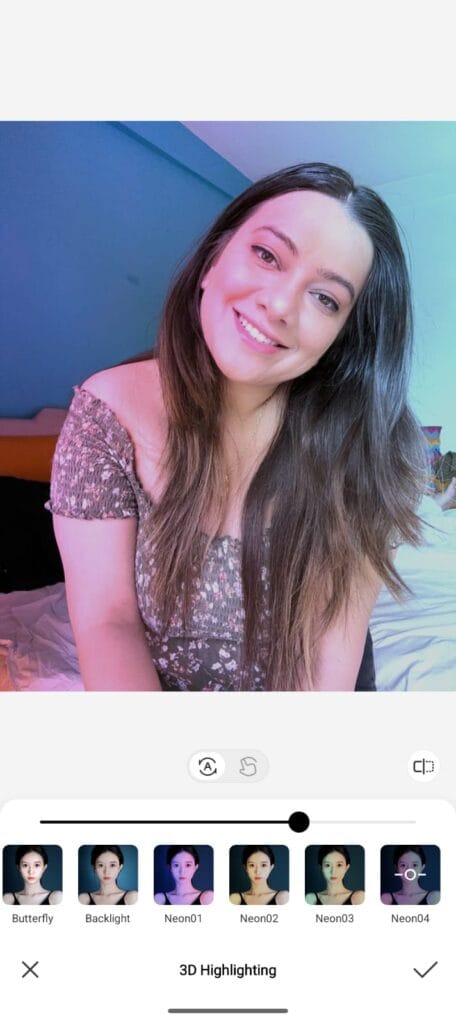
Filters to change overall tone / mood of photo.
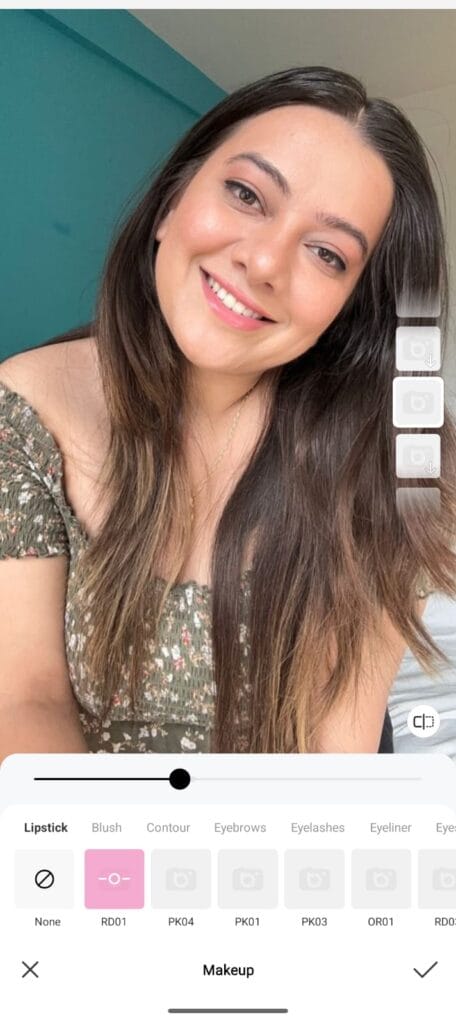
Makeup tools: lipstick, blush, eyeshadow etc.
Special AR effects or stickers.
Skin & Texture
Smooth skin, remove blemishes or acne. BeautyPlus
Adjust skin firmness, reduce pores.
Oil control (reduce shine) etc.
5. Fine-Tuning
Zoom in to details: eyes, mouth etc., to make sure edits look natural.
Use sliders gradually — avoid over-doing things (over-smoothing etc.)
Compare before/after preview (BeautyPlus usually has a toggle to see original vs edited) to check you haven’t gone overboard.
6. Saving & Sharing
Once happy, tap Save. There are options: save in high resolution, possibly save original.
You might want to remove watermark (if app settings or premium allows).
Share directly from app to social platforms (Instagram, WhatsApp etc.) or export to phone gallery.
7. Premium / Extra Features
BeautyPlus offers Premium features (paid) which unlock more filters, higher resolution, more retouching tools etc.
Layers, advanced effects etc. are sometimes part of premium.
Tips for Better Results with BeautyPlus Camera
Use soft, diffused lighting: avoid harsh shadows.
Keep your lens clean.
Don’t push skin smoothing too far – natural is better.
Don’t rely only on filters; a good base photo helps a lot.
If using face reshaping, minor tweaks look best; big distortions look fake.
Sample Workflow: From Snap to Share
Open BeautyPlus Camera → select front camera.
Use natural daylight, enable timer for hands free.
Apply a mild filter preview.
Take the photo.
Use Face Editor tools: brighten eyes, remove blemishes, slightly smooth skin.
Add a subtle lipstick if you like.
Do final colour correction / contrast / saturation.
Save high-res.
Share on Instagram or WhatsApp.
The BeautyPlus Camera isn’t just another selfie app—it’s a complete photo editing toolkit that helps you capture, retouch, and share your best moments with ease. From quick touch-ups to detailed editing, its features make it beginner-friendly yet powerful enough for anyone who loves creating standout photos. By following the steps above and experimenting with filters, makeup tools, and retouching options, you’ll quickly find your own editing style. Remember, the key is to keep edits natural and use BeautyPlus Camera to highlight your real beauty rather than hide it. With practice, you’ll be snapping and sharing perfect photos in no time.